

Complete Guide
W-8BEN and W-8BEN-E Forms on Remote.com
Remote.com requires up-to-date W-8 tax documentation every 3 years for all service providers outside the United States.
Step-by-Step Onboarding for Remote.com
1. Open your contractor profile on Remote
Go to 'Account' > 'Tax Compliance' and click 'Submit W-8 Form'.
2. Choose the right form
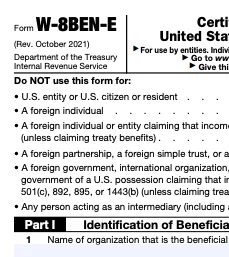
Select W-8BEN for individuals (CPF) or W-8BEN-E for Brazilian companies (CNPJ).
3. Submit the PDF or fill in the sanitized data
Use the ASCII-sanitized values generated by FormW8 for automatic approval without rework.
Frequently Asked Questions for Remote.com
Does Remote accept a digital signature on the W-8?
Yes, Remote.com accepts digitally signed PDFs or forms certified through the platform interface.