

Freelance Guide
W-8BEN Tax Form on Fiverr for Brazilian Providers
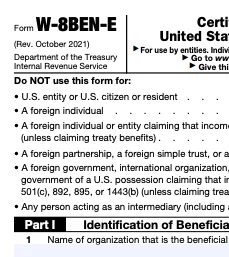
Fiverr requires all providers and freelancers to declare their non-US-citizen status through the electronic W-8BEN form.
Step-by-Step Onboarding for Fiverr
1. Open the W-9 / W-8BEN Declaration on Fiverr
In the Fiverr dashboard, go to 'Billing and Payments' > 'Tax Information' or open the tax declaration banner.
2. Confirm you are a 'Non-US Person'
Select that you are neither a citizen nor a tax resident of the United States.
3. Fill in your registration data
Enter your full legal name, your home address in Brazil and your CPF in the 'Tax ID' field.
Frequently Asked Questions for Fiverr
Do I have to pay US taxes on Fiverr?
No. As a provider living in Brazil who fills out the W-8BEN, your earnings face 0% withholding at source in the US.