

How to Fill Out the US Tax Form on Google AdSense and YouTube
Google requires all YouTube creators and AdSense publishers to submit US tax information to avoid withholding of up to 30% on worldwide earnings and on US views.
Need your W-8 ready for Google AdSense & YouTube?
Generate your IRS compliant form in under 1 minute.
Step-by-Step Onboarding for Google AdSense & YouTube
1. Open Tax Information in Google AdSense
In the AdSense dashboard, click Payments > Payment info > Manage settings > United States tax info > Add tax info.
2. Select the account type (Individual or Non-individual)
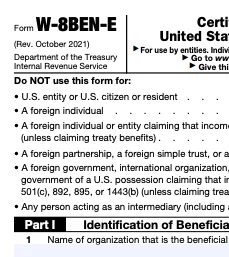
Individual account = Form W-8BEN (with CPF). Non-individual / company account = Form W-8BEN-E (with CNPJ).
3. State that you do not live in the US and enter the Foreign TIN
Enter your CPF or CNPJ in the 'Foreign TIN' field.
4. Tax treaty (rate claim)
Select 'No' for the standard double taxation treaty for general services, or follow the guidelines for advertising services performed outside the US.
Frequently Asked Questions for Google AdSense & YouTube
Why does Google withhold taxes from my YouTube earnings?
Without an approved W-8 form, Google withholds up to 24% to 30% of your total earnings. With an approved W-8, you pay 0% on revenue generated outside the US.